
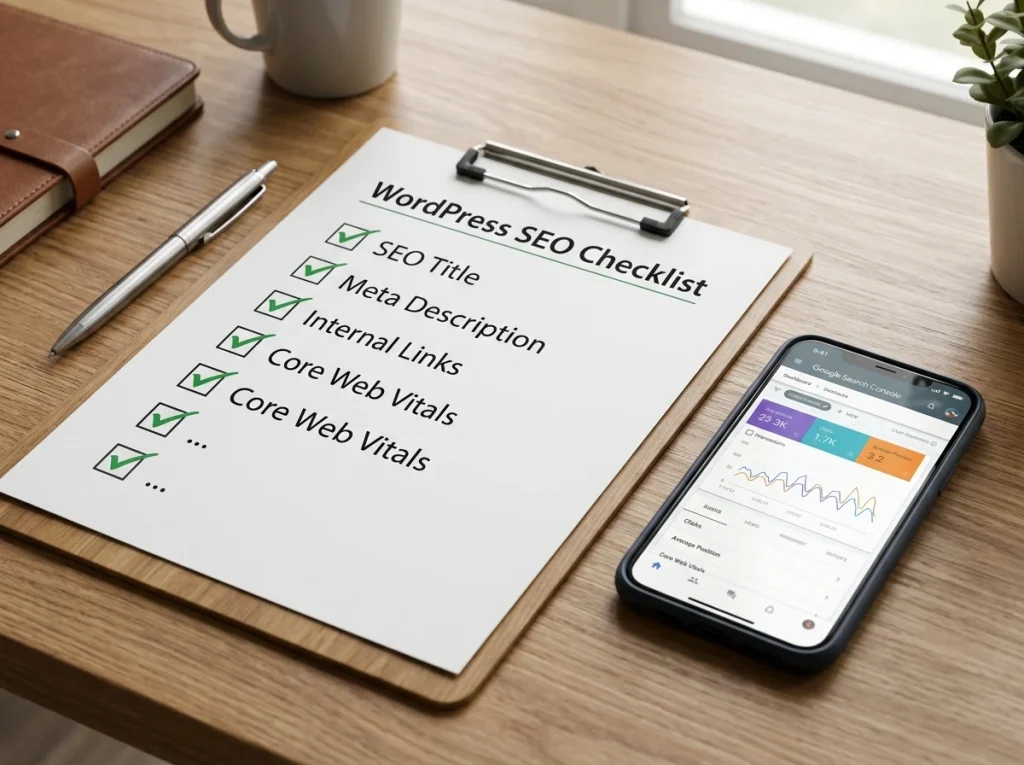
Slow WordPress sites lose rankings, traffic, and sales—especially on mobile networks in Bangladesh. In this guide, I’ll show you how to speed optimize WordPress to pass Core Web Vitals and rank higher in 2026.
Why WordPress Speed Matters in 2026
Google uses Core Web Vitals as a direct ranking factor. Sites that load faster also get:
- Lower bounce rates
- Higher conversions
- Better AI Overview citations (AI prefers fast, user-friendly pages)
Step-by-Step WordPress Speed Optimization
1) Choose fast hosting
Your hosting sets your speed ceiling. For Bangladesh audiences, choose hosts with:
- SSD/NVMe storage
- Data centers near South Asia (Singapore, India)
- Built-in caching + CDN
2) Install a caching plugin
Use WP Rocket, LiteSpeed Cache, or W3 Total Cache to:
- Enable page caching
- Minify CSS/JS
- Lazy-load images
3) Use a CDN
A CDN serves your site from servers closest to visitors (e.g., Dhaka, Chittagong). Popular options: Cloudflare, BunnyCDN.
4) Optimize images
- Convert to WebP/AVIF
- Compress before upload (TinyPNG, ShortPixel)
- Add descriptive alt text for SEO
5) Reduce plugin bloat
Each plugin adds CSS/JS. Audit and remove unused plugins. Replace heavy plugins with lightweight alternatives.
6) Optimize fonts and scripts
- Limit font weights (2–3 max)
- Use font-display: swap
- Defer non-critical JS
7) Measure Core Web Vitals
Use Google PageSpeed Insights or Search Console → Core Web Vitals. Targets:
- LCP < 2.5s
- INP < 200ms
- CLS < 0.1
Common WordPress Speed Mistakes in Bangladesh
- Using shared hosting with high TTFB
- Uploading full-size images (2–5 MB)
- Installing 20+ plugins
- Not enabling caching or CDN
Case Study: Speed Optimization for a BD Client
Example structure:
- Before: LCP 4.2s, INP 320ms, CLS 0.18
- After: LCP 1.8s, INP 140ms, CLS 0.05
- Result: 45% increase in organic traffic in 8 weeks
Need WordPress Speed Optimization?
I’m Ashraf Sobuj, a WordPress developer and SEO expert in Bangladesh. I specialize in speed optimization, Core Web Vitals fixes, and SEO-ready WordPress builds.